Tasks
Use Administration > Tasks for recurring or one-time duties such as cleaning, maintenance, security, garden work, and other congregation tasks.
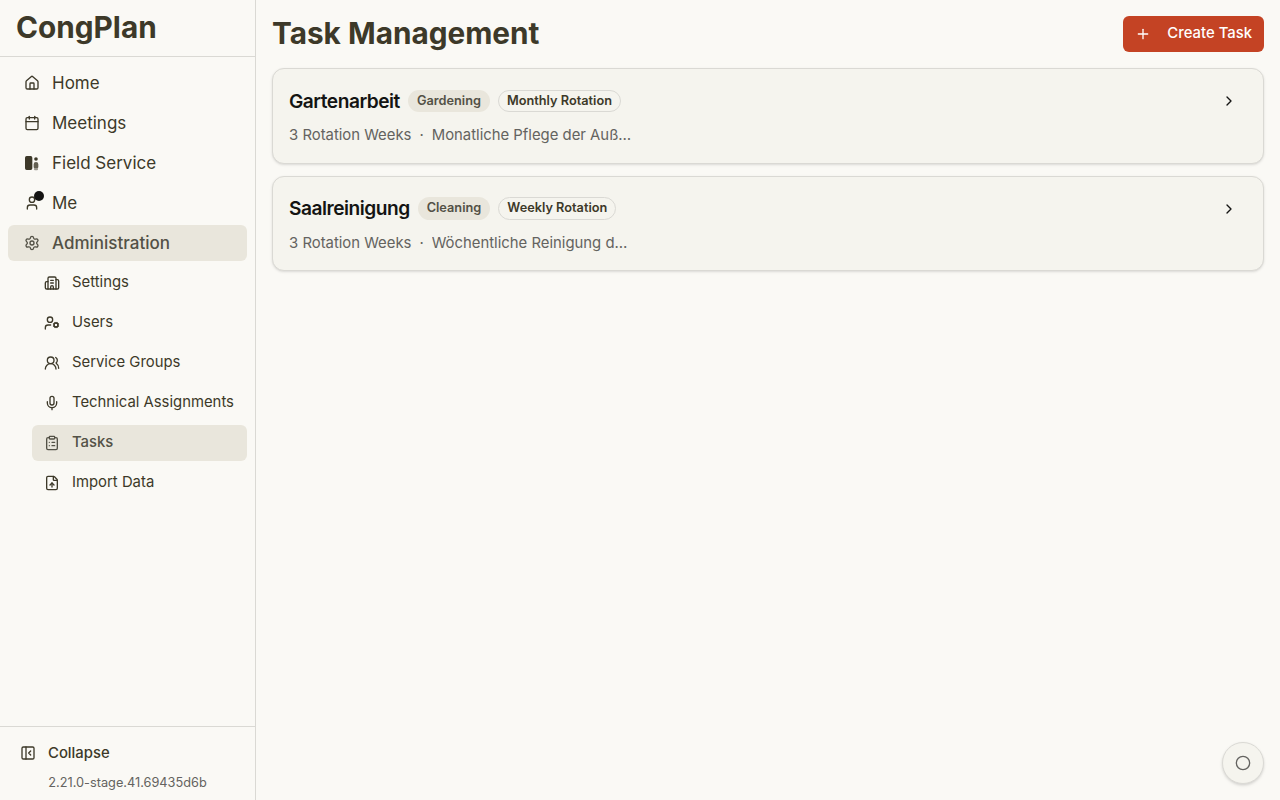
Overview
Each task can show:
- Title
- Category
- Frequency
- Active/inactive state
- Description
- Upcoming schedule preview
- Assignees
Categories
Common categories include:
- Cleaning
- Garden work
- Snow removal
- Maintenance
- Security
- Other
Frequencies
Tasks can be:
- Weekly rotation
- Monthly rotation
- One-time
- Connected to specific meeting/event weeks where configured
Assignees
A task can be assigned to:
- A specific user
- A service group
- The whole congregation
Tasks can appear in the personal plan and on meeting detail pages when they are linked to a meeting week.
Creating and Editing
- Select Add Task
- Enter title, category, frequency, and optional description
- Configure assignees and schedule data
- Save
Open an existing task card to edit it.
warning
Deleting a task removes future scheduled occurrences. Prefer deactivating a task when it may be needed again later.