Meetings
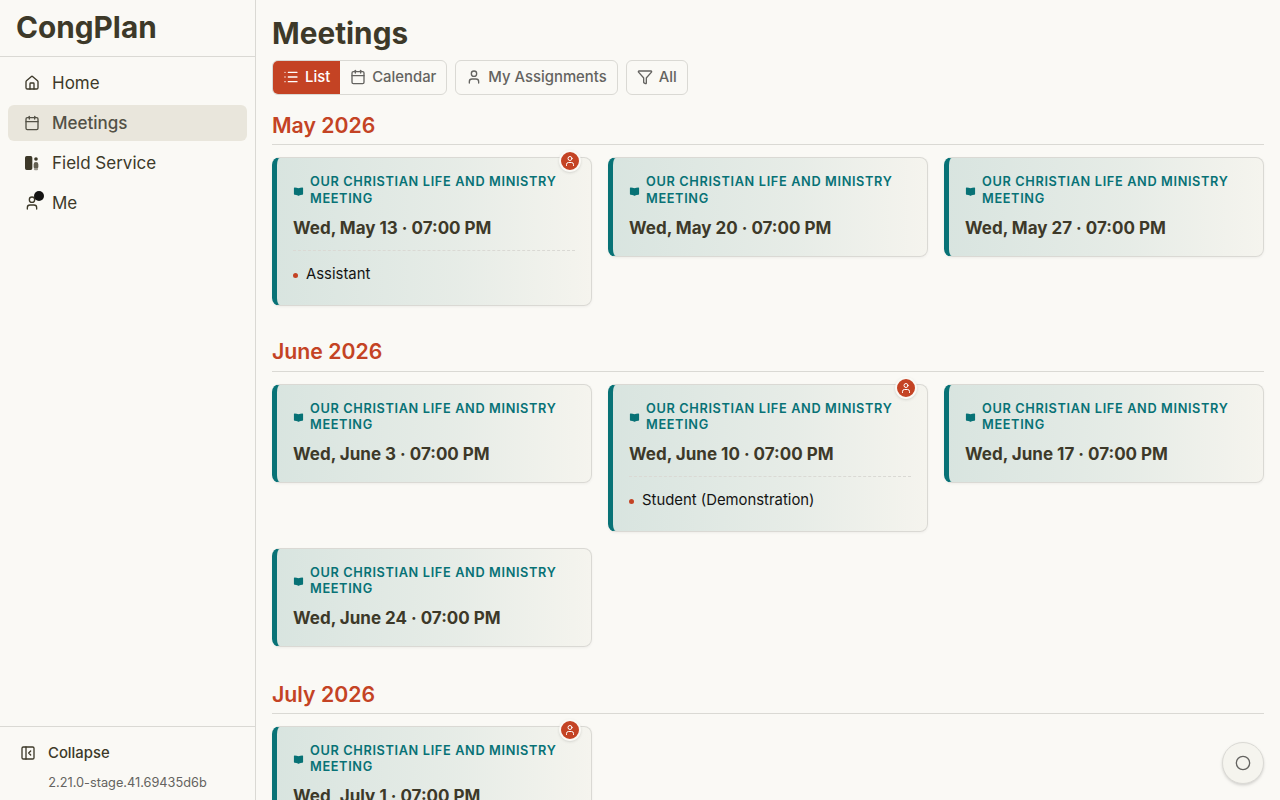
The Meetings page shows congregation meetings in a list or calendar view.
Views
Use the view control in the toolbar:
- List — Meeting cards in chronological order
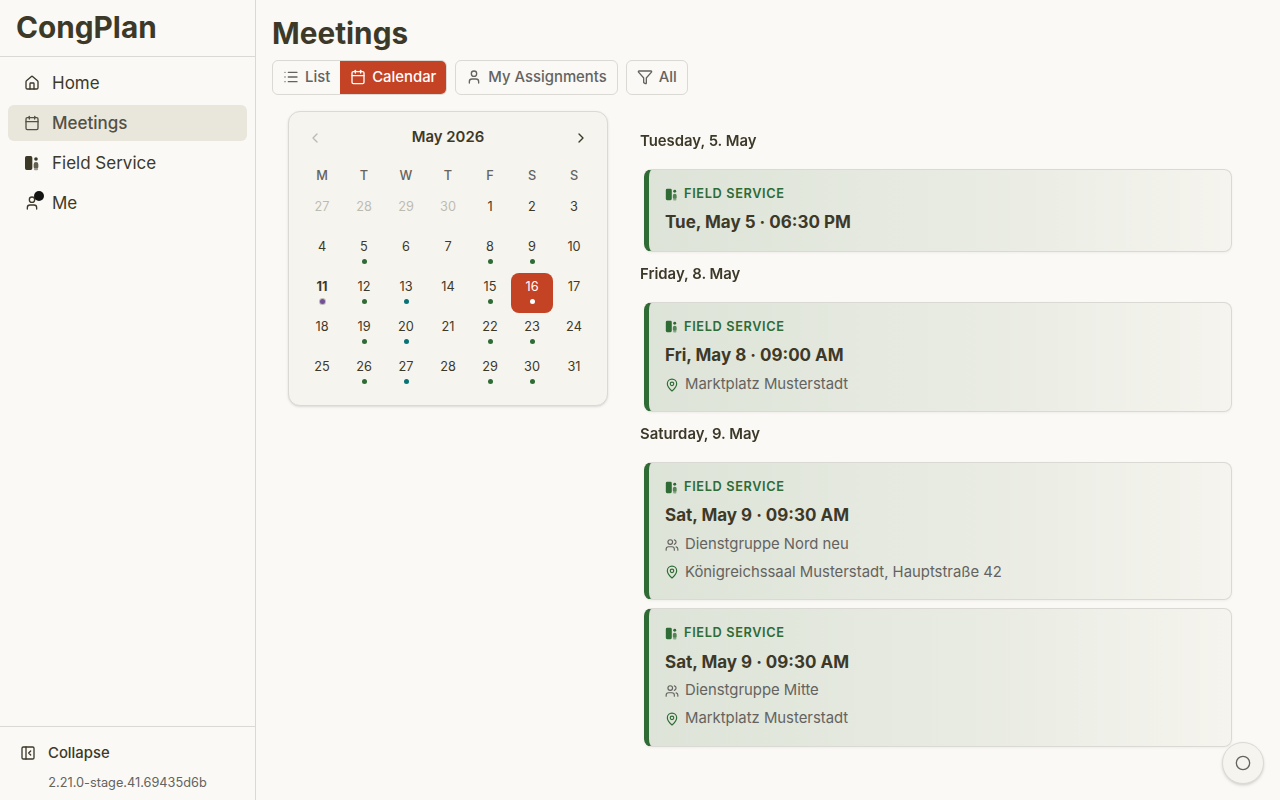
- Calendar — Monthly grid with indicators for meeting days
Filters let you focus on specific meeting types or your own assignments.
When several planners update schedules, CongPlan keeps meeting data synchronized so viewers do not have to rely on manual reloads to notice current assignments, tasks, or public-facing changes.
Meeting Cards
Life and Ministry Meeting
The midweek meeting card shows date, time, link to source material where available, and your own assignments if you have any.
Weekend Meeting
The weekend meeting card shows the public talk and Watchtower Study context where available.
Field Service Meeting
Field service meetings show leader, meeting point, and service group.
Open a card to view details.
Own assignments and relevant service items can appear directly on cards, so publishers can see whether a meeting involves them before opening the detail view.
Calendar View
The calendar gives a monthly overview. Select a day to inspect its meetings.
Meeting Types
Life and Ministry Meeting
The midweek meeting follows the S-38 structure:
- Treasures From God's Word
- Apply Yourself to the Field Ministry
- Living as Christians
Weekend Meeting
The weekend meeting contains:
- Public Talk
- Watchtower Study
Field Service Meeting
Short meeting before field service, usually connected to a service group.
Midweek meeting content can be imported from the workbook/program source. Coordinators then assign participants and technical roles.
Special Weeks
Some congregations need to adjust a week for a Circuit Overseer visit or another special schedule. CongPlan can keep those adjustments connected to the meeting week so the changed program, assignments, and personal-plan entries stay in one workflow instead of becoming a separate manual note.
Mobile Views by Role
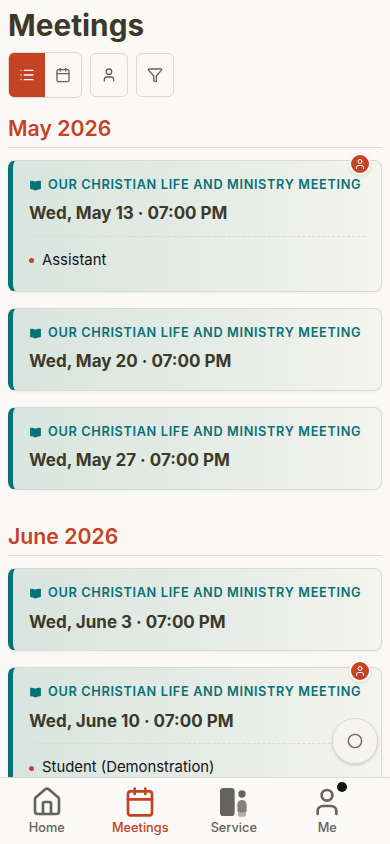
CongPlan keeps the meeting workflow familiar across users, while permissions control edit buttons and administration entry points.
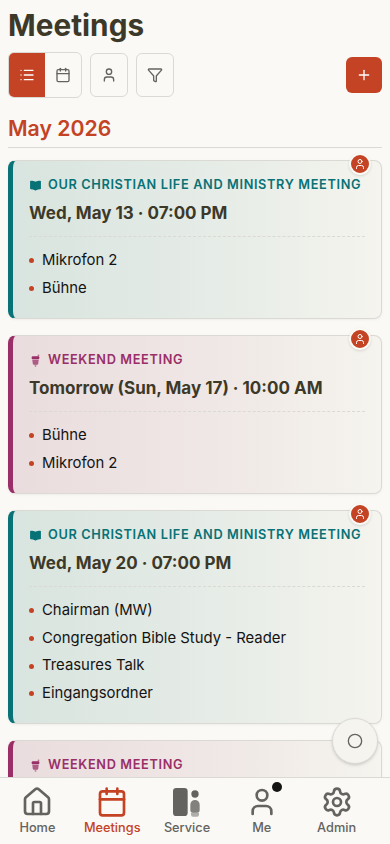
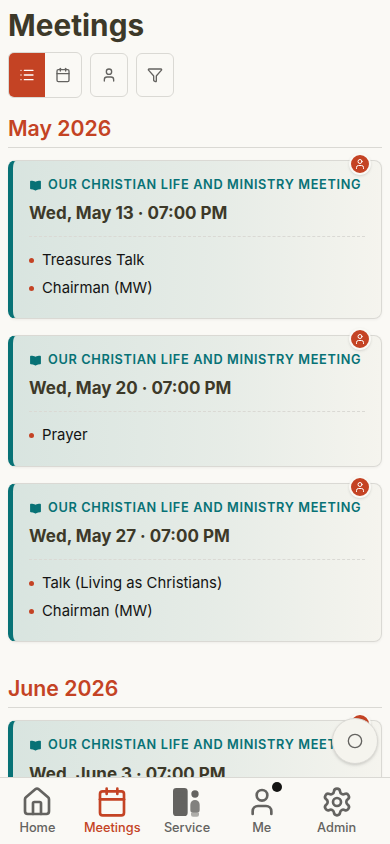
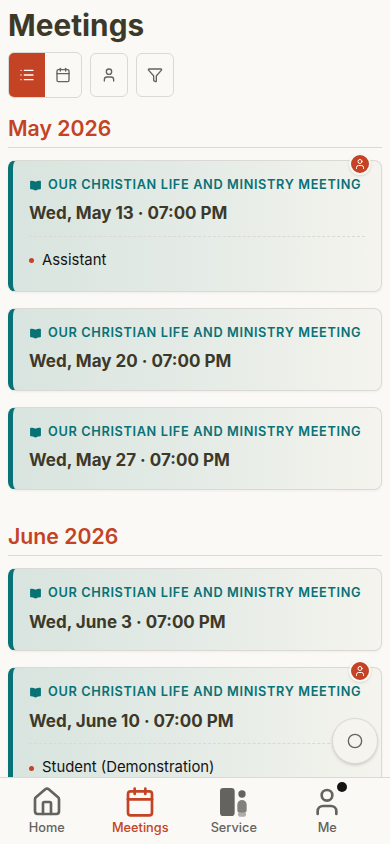
See Role-Based Mobile Gallery for the full comparison across dashboard, plan, meeting details, field service, public witnessing, and administration.