Profile & Settings
The User area is a personal hub. It is no longer a two-tab profile page; it links to dedicated pages for your plan, absences, notifications, and settings.
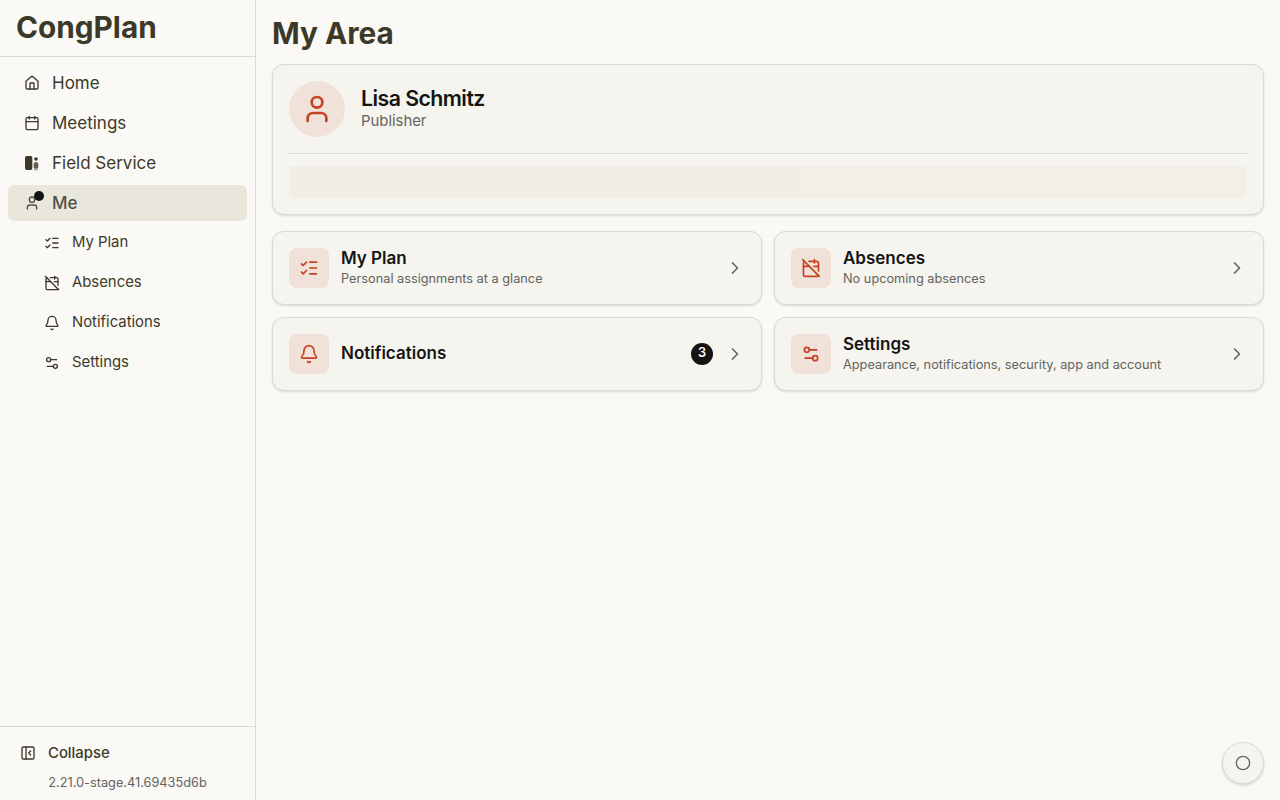
Personal Hub
The hub header shows your name and relevant congregation information. The four entries below it open:
- Plan — Your full personal timeline
- Absences — Availability and absence management
- Notifications — In-app notifications
- Settings — Appearance, notification preferences, security, app state, and account actions
The hub is also the place to check whether the app state looks healthy for your device. Depending on the enabled features, settings can show update actions, local storage information, and sync-related details that help support understand what your browser has already loaded.
Absences
Use User > Absences to manage dates when you are not available:
- Open the absences page
- Add a start and end date
- Add an optional note if it helps coordinators
- Save the absence
Absences are visible to coordinators when they plan meeting parts, technical assignments, field service meetings, and other assignments.
Settings
Open User > Settings.
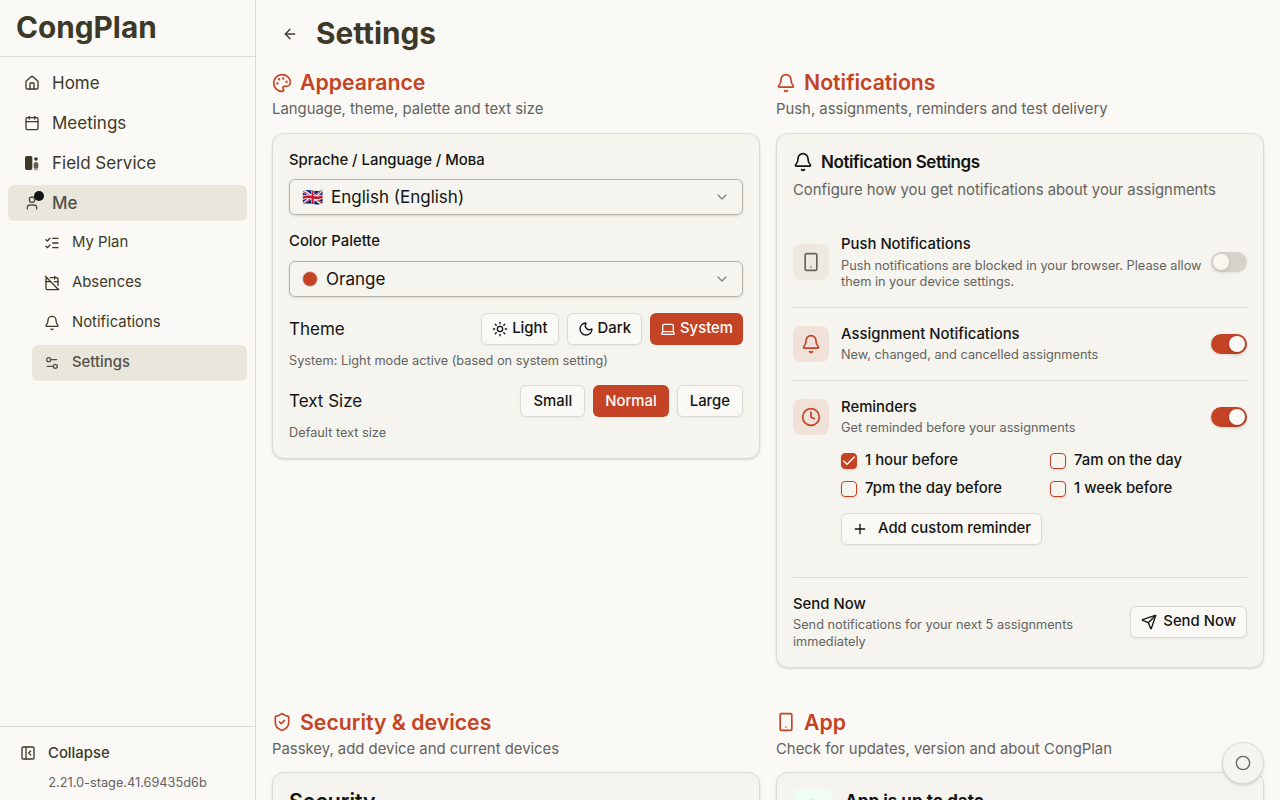
Appearance
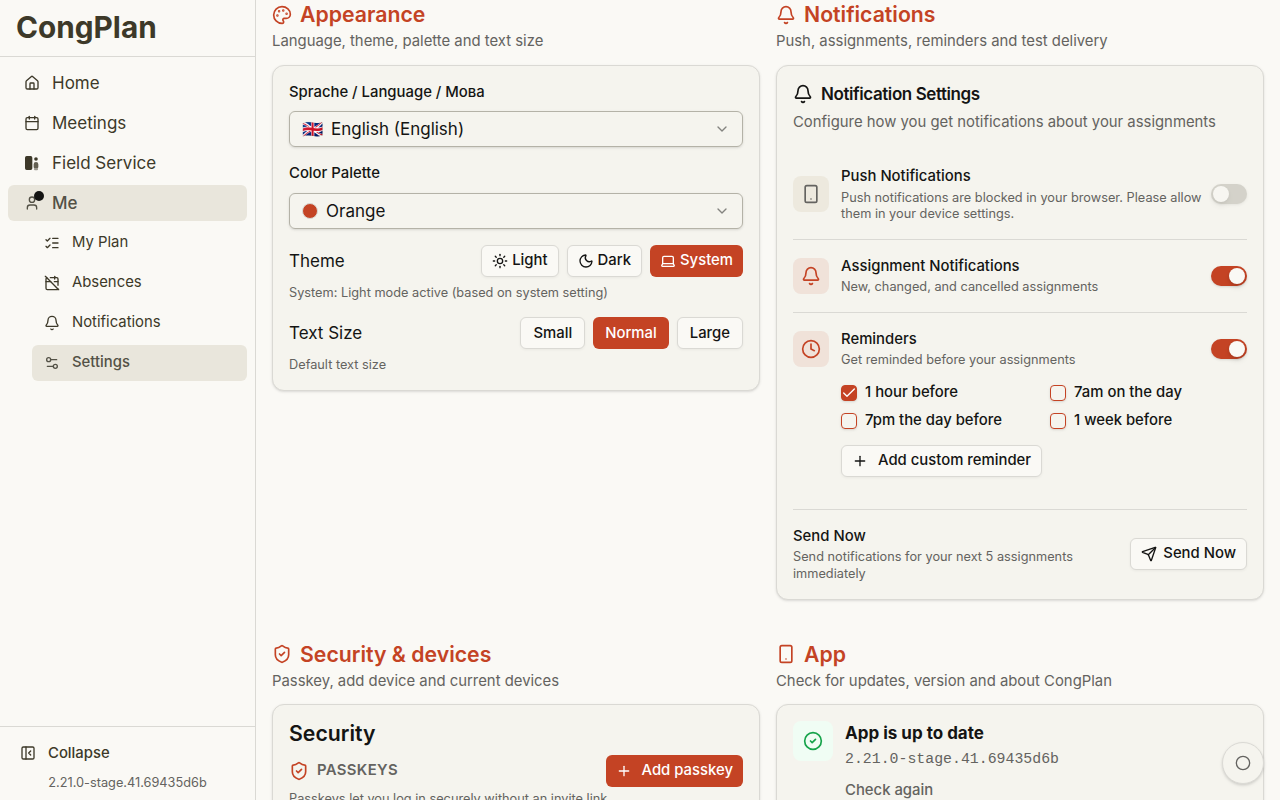
- Language — Your personal UI language
- Color palette — Visual accent color
- Theme — Light, dark, or system setting
- Text size — Adjusted reading size
Notifications
Configure in-app and push notifications. Push notifications require browser support, a secure connection, and permission from the device.
CongPlan can use notifications for new assignments, changed assignments, and reminders. Browser and operating-system restrictions still apply, so an installed PWA on a supported device gives the most app-like result.
Security
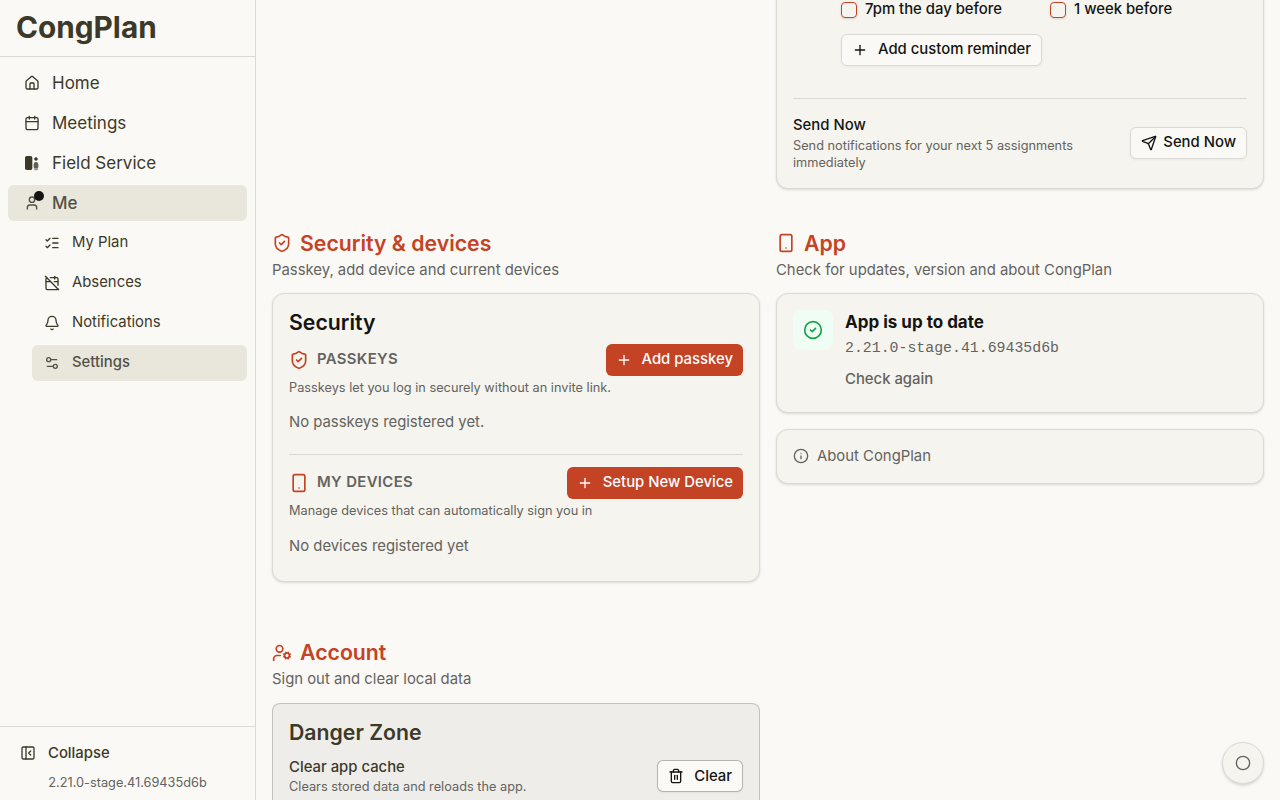
- Passkeys — Manage passkeys used for password-free sign-in
- New device setup — Create a setup link, QR code, or one-time code for another device
- Devices / sessions — Review or remove active device access where available
App and Account
- App update — Shows current app state and update actions
- About — Version and legal information
- Clear cache — Clears local cached app data and reloads from the server
- Sign out — Ends the current session
Passkeys are tied to your device or password manager. If you lose access, ask an administrator for a new invite or device setup link.
Offline and Local Data
CongPlan is a web app that can keep already loaded data visible when the connection is temporarily unavailable. Creating or editing assignments, tasks, public-witnessing signups, users, or settings requires a connection so changes can be validated and synchronized for the congregation.
If a page cannot load fresh data, CongPlan should show a clear empty or offline state instead of leaving you with an unexplained blank page.