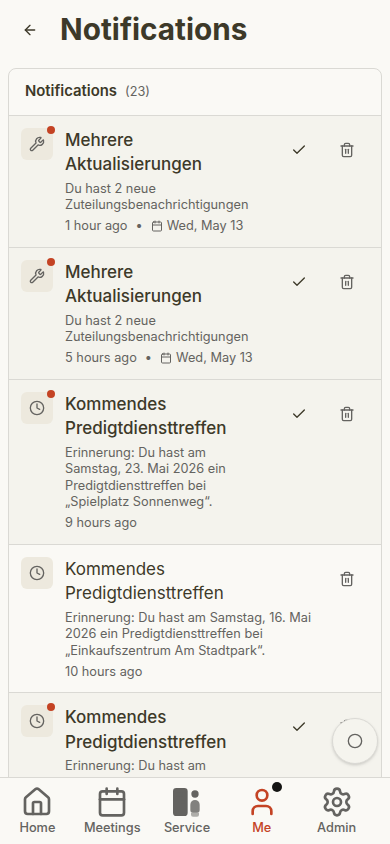
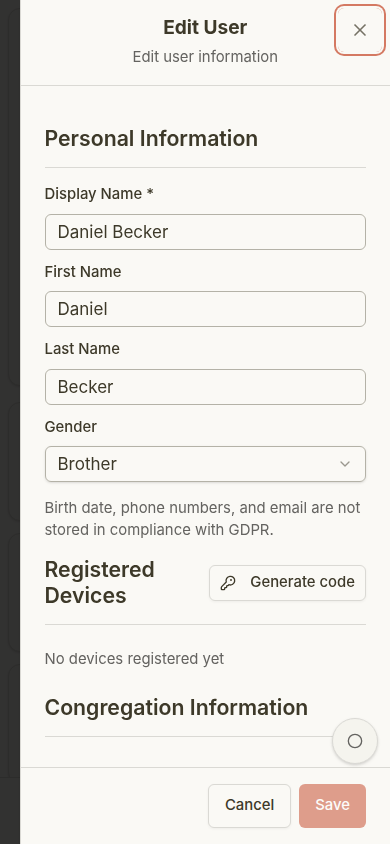
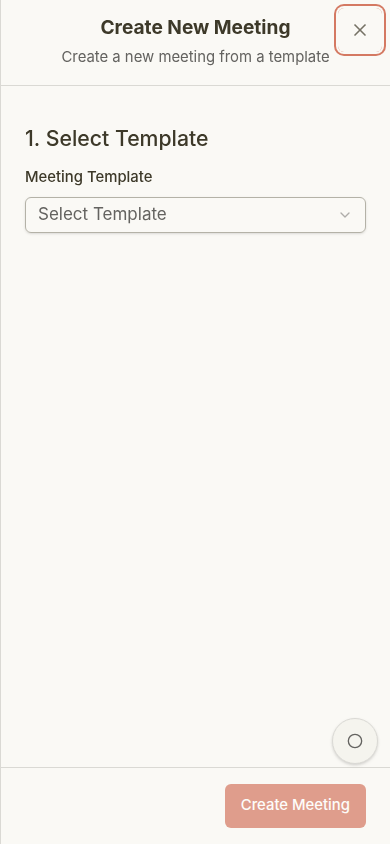
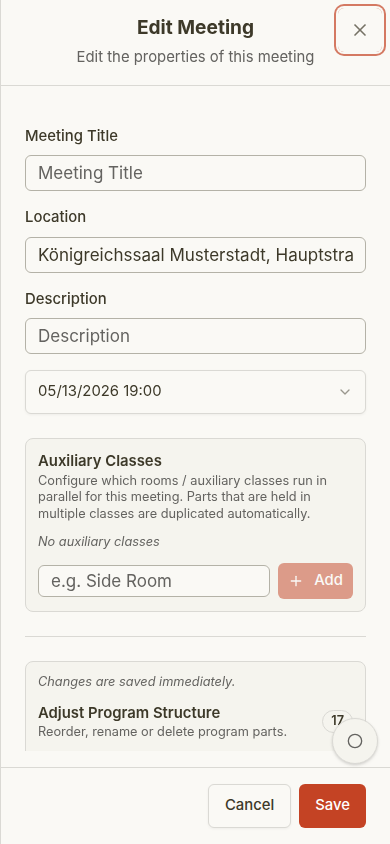
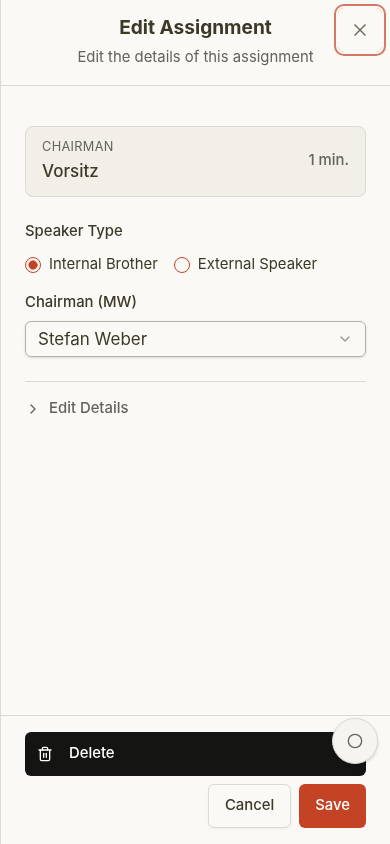
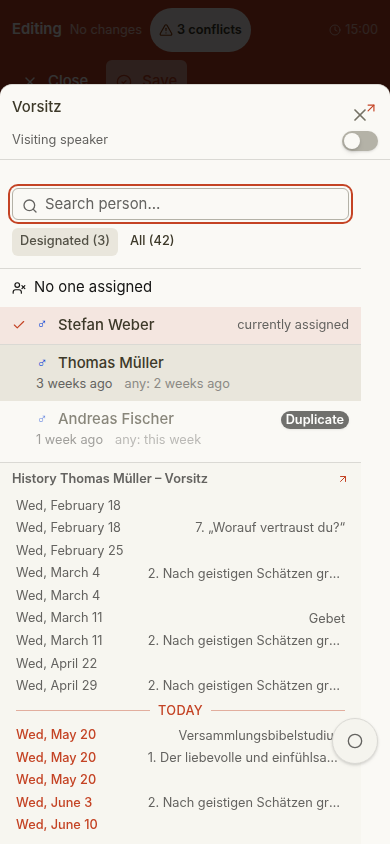
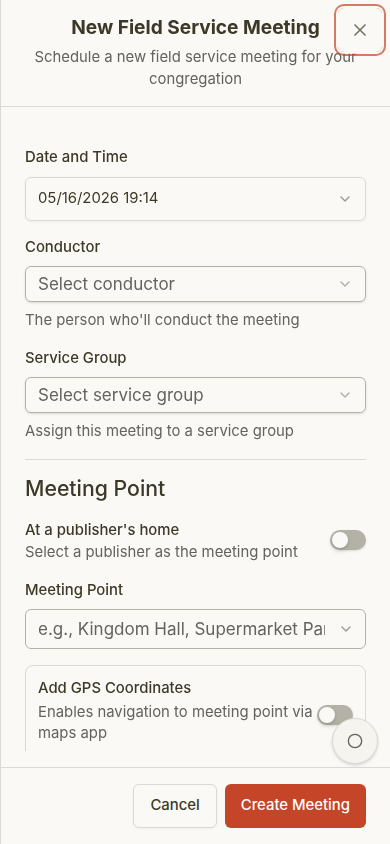
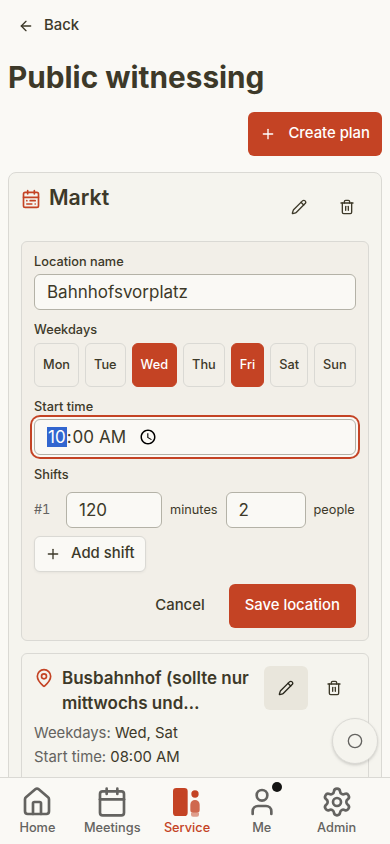
These examples show common mobile dialogs, sheets, and forms using synthetic test data for an administrator account in a sample congregation. The screenshots include entered example text, but the generator does not save the forms.
User administration opens as a sheet with account, role, permission, and assignment settings.Meeting creation shows the title, date, template, and meeting type fields before saving.The meeting edit sheet keeps date, location, classes, and meeting parts together, with explicit Save and Cancel actions.
Tapping a program part opens one detail sheet. Edit part reveals its type and other program fields; changes save as each field is completed.The same sheet starts with the assignment picker, which combines search, filters, sorting, assignment history, and conflict warnings.
Field-service meetings can be created as single appointments or recurring series.Public-witnessing planning captures locations, weekdays, start times, and shift requirements.