Role-Based Gallery
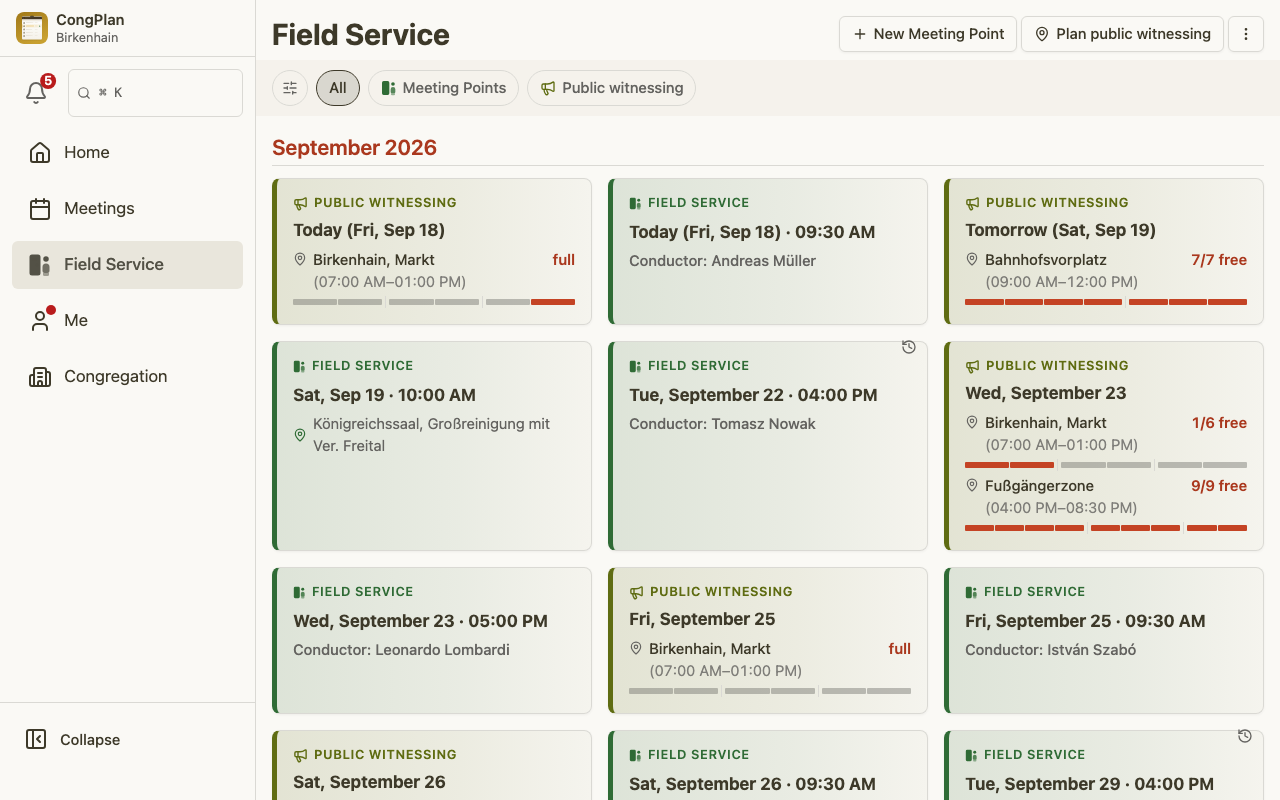
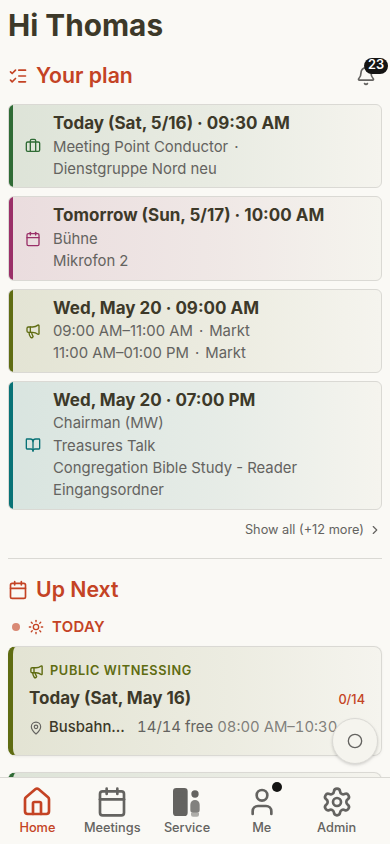
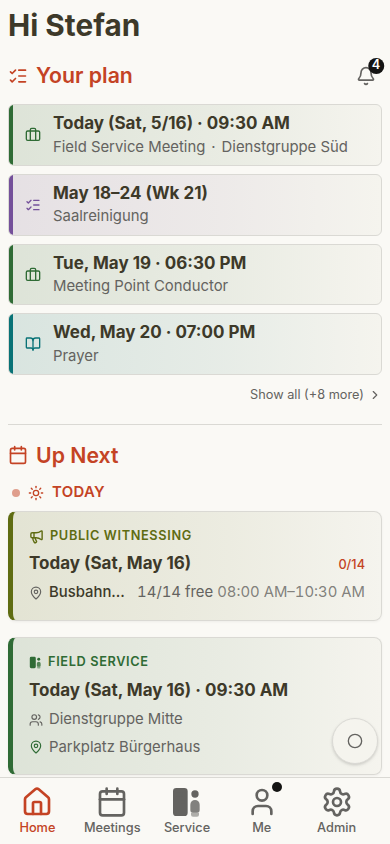
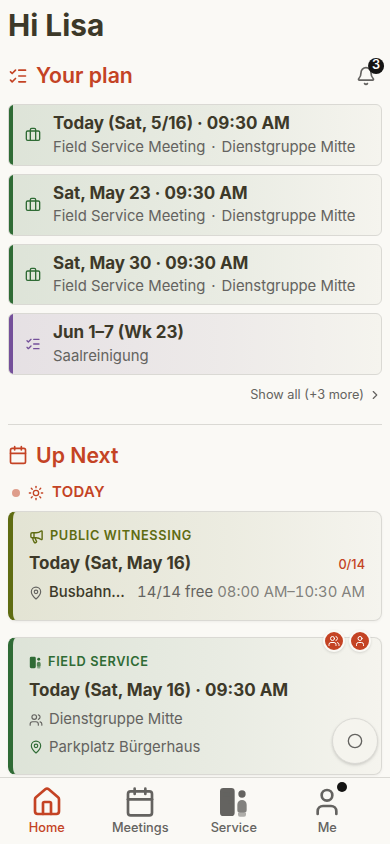
Most publishers use CongPlan on a phone. These examples show the same areas with synthetic test data and different access levels. The data comes from a demo congregation. Planning is mostly done at a desk, so the two planning roles follow below at desktop size.
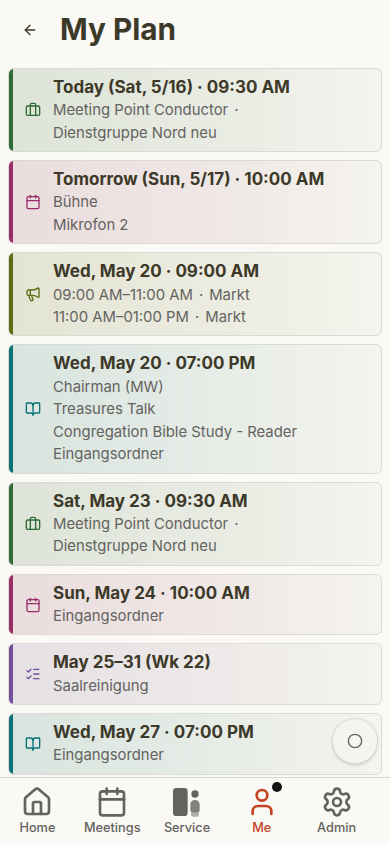
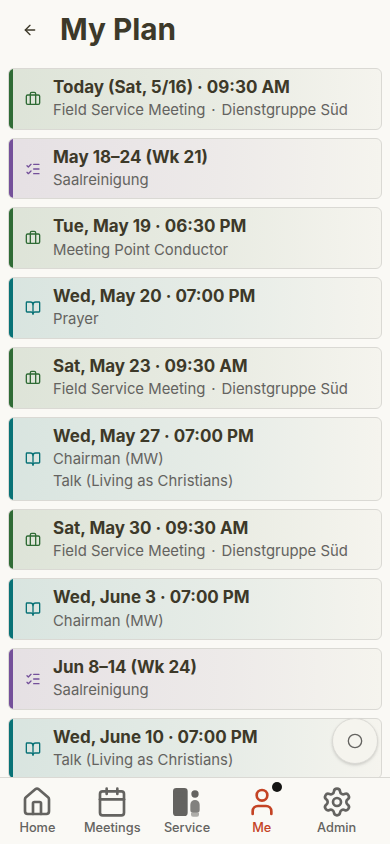
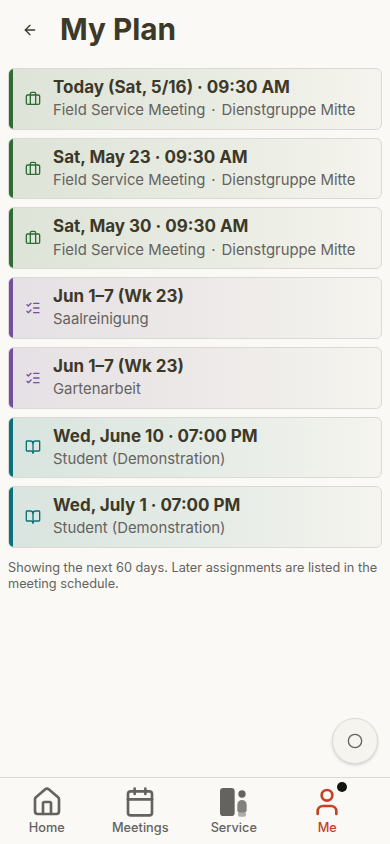
The phone screenshots compare three roles:
- Administrator — full planning and administration access
- Elder — meeting, user, field-service, and setting visibility
- Publisher — the everyday personal views
Dashboard and Personal Plan
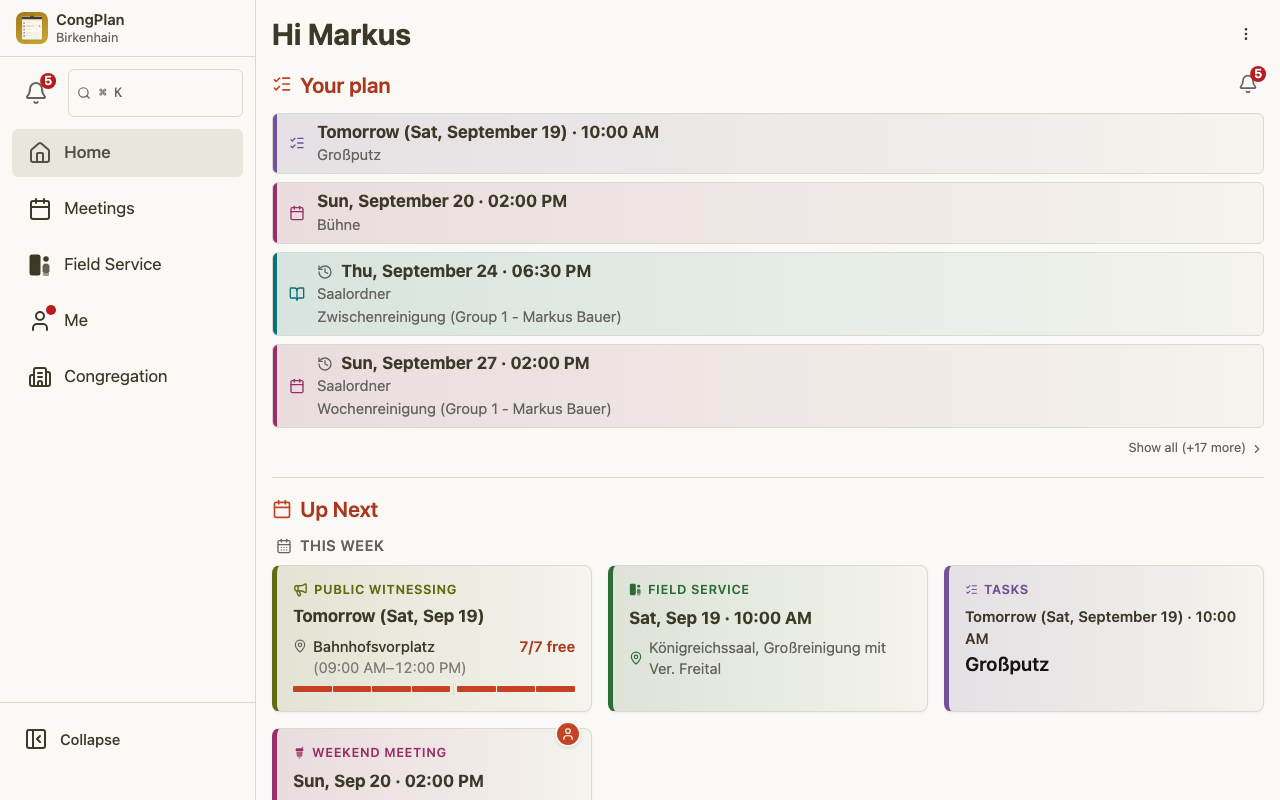
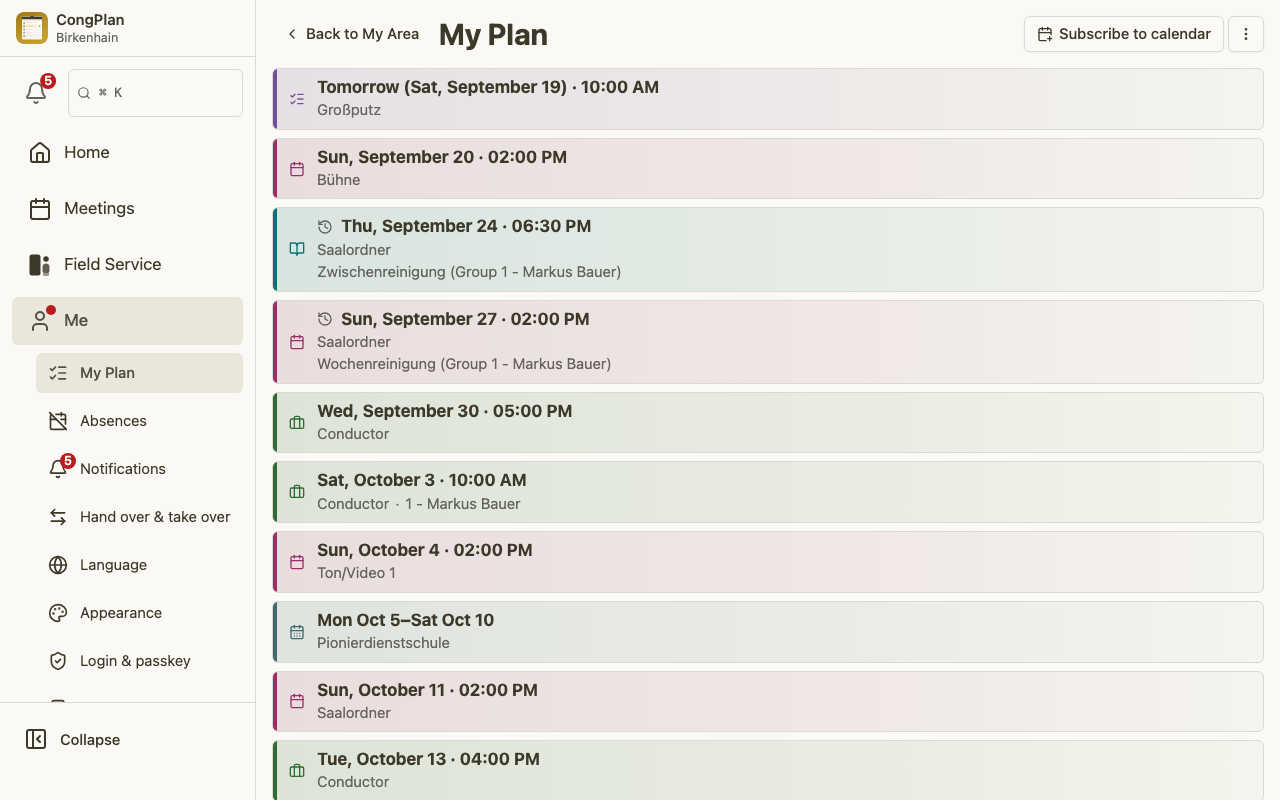
The dashboard is personalized. Administrators may see planning and public-witnessing items, elders see their assignments and delegated work, and publishers see the items that affect them directly.
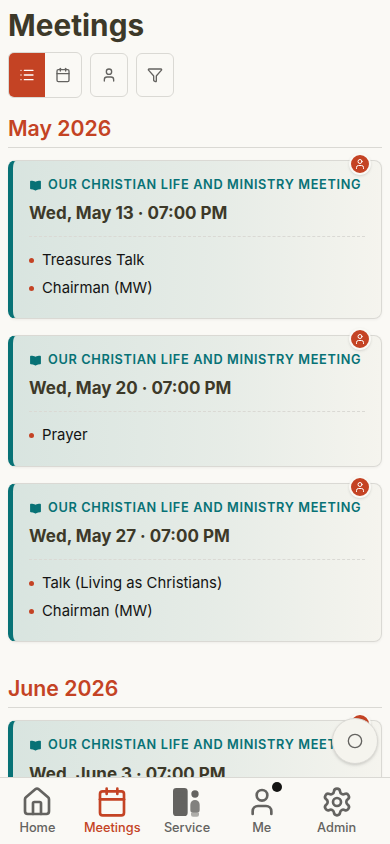
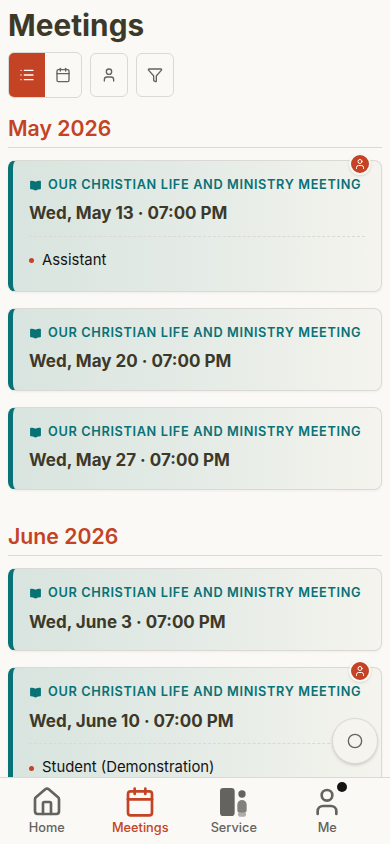
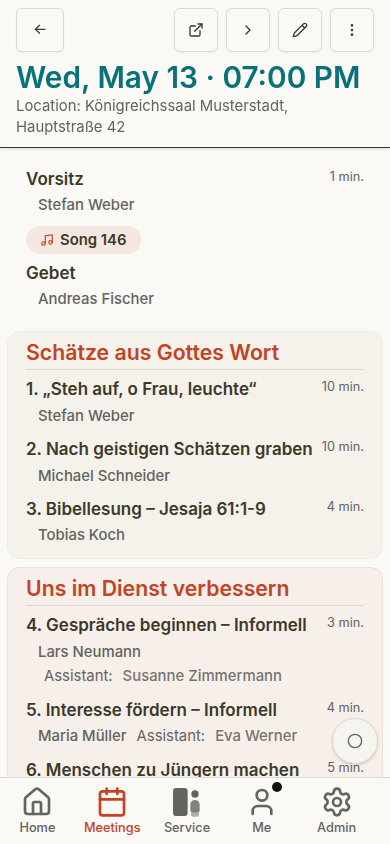
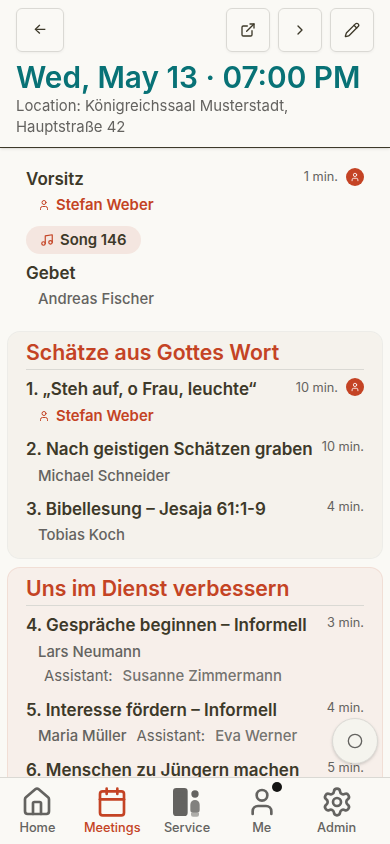
Meetings and Meeting Details
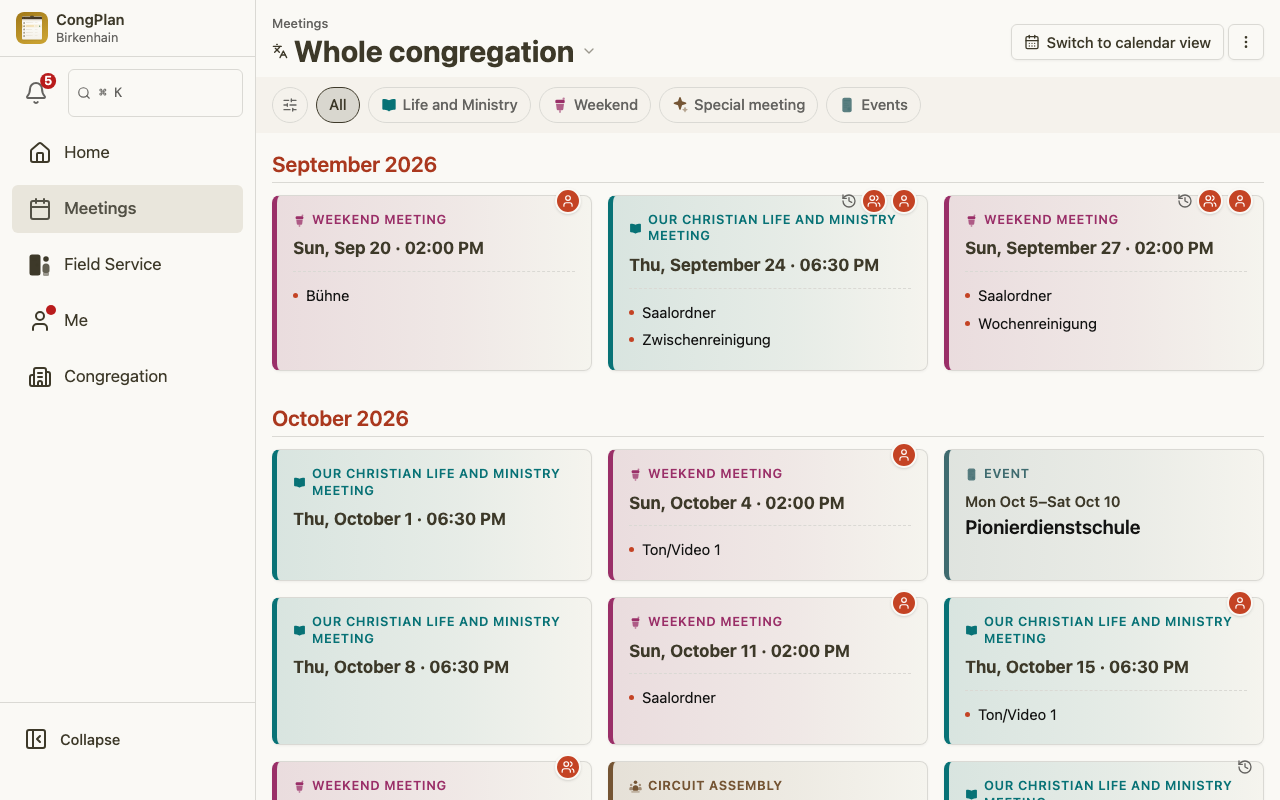
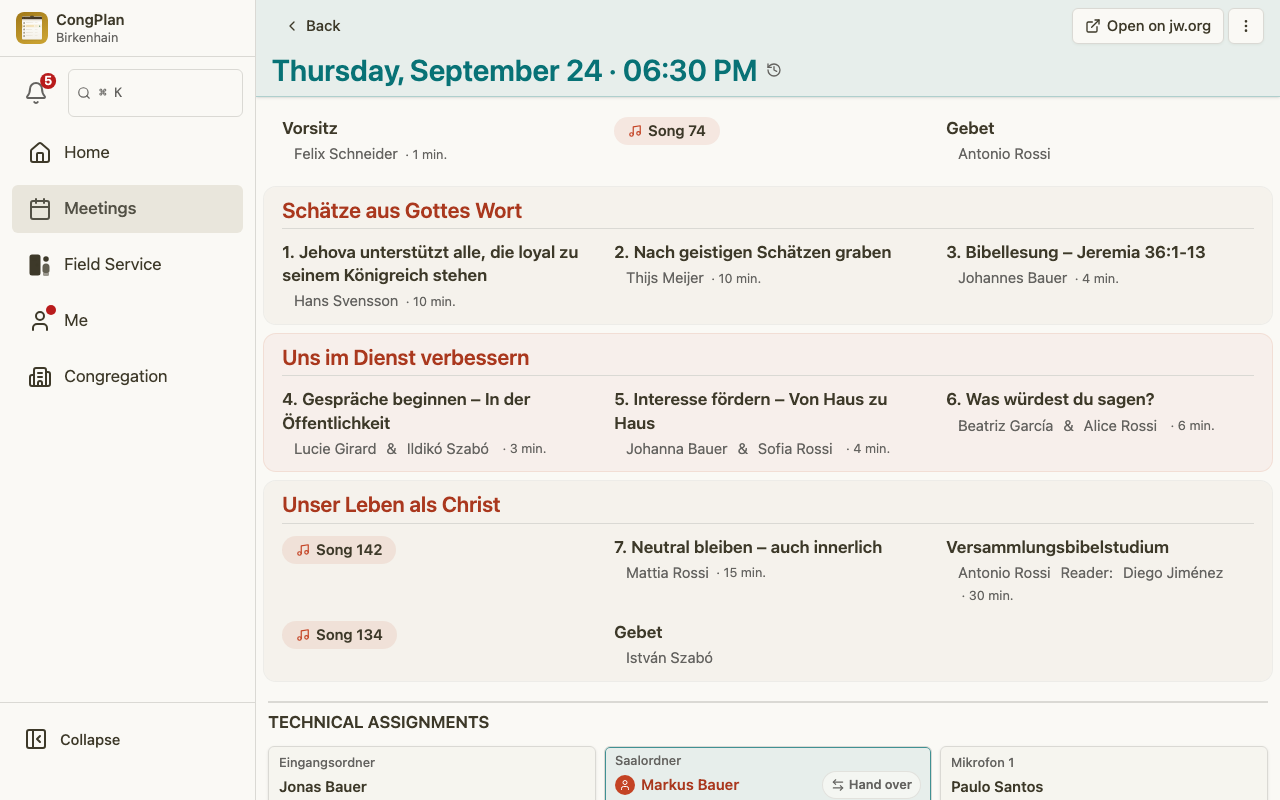
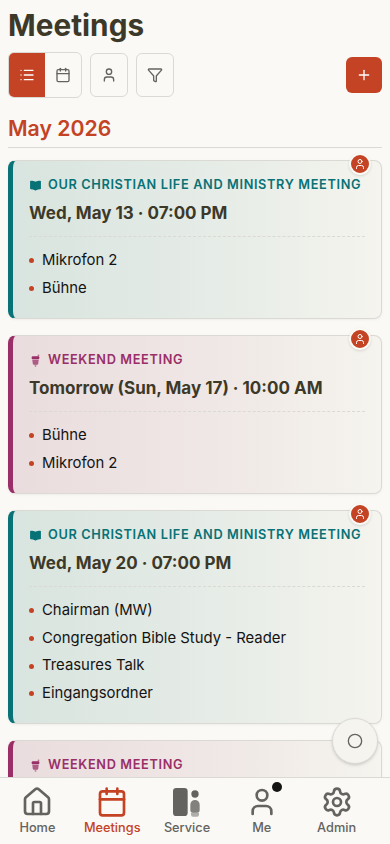
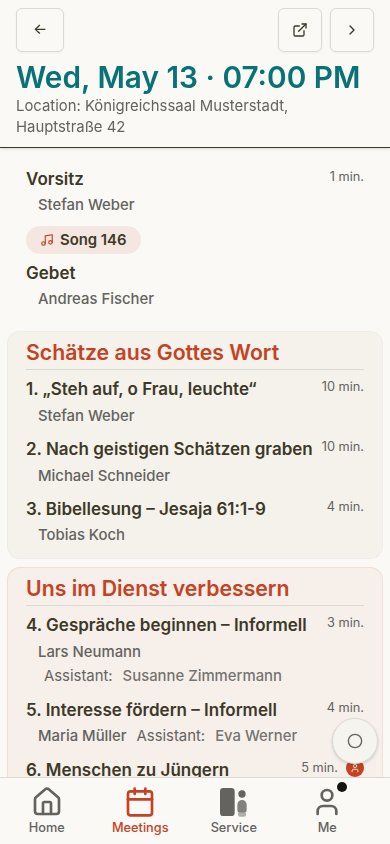
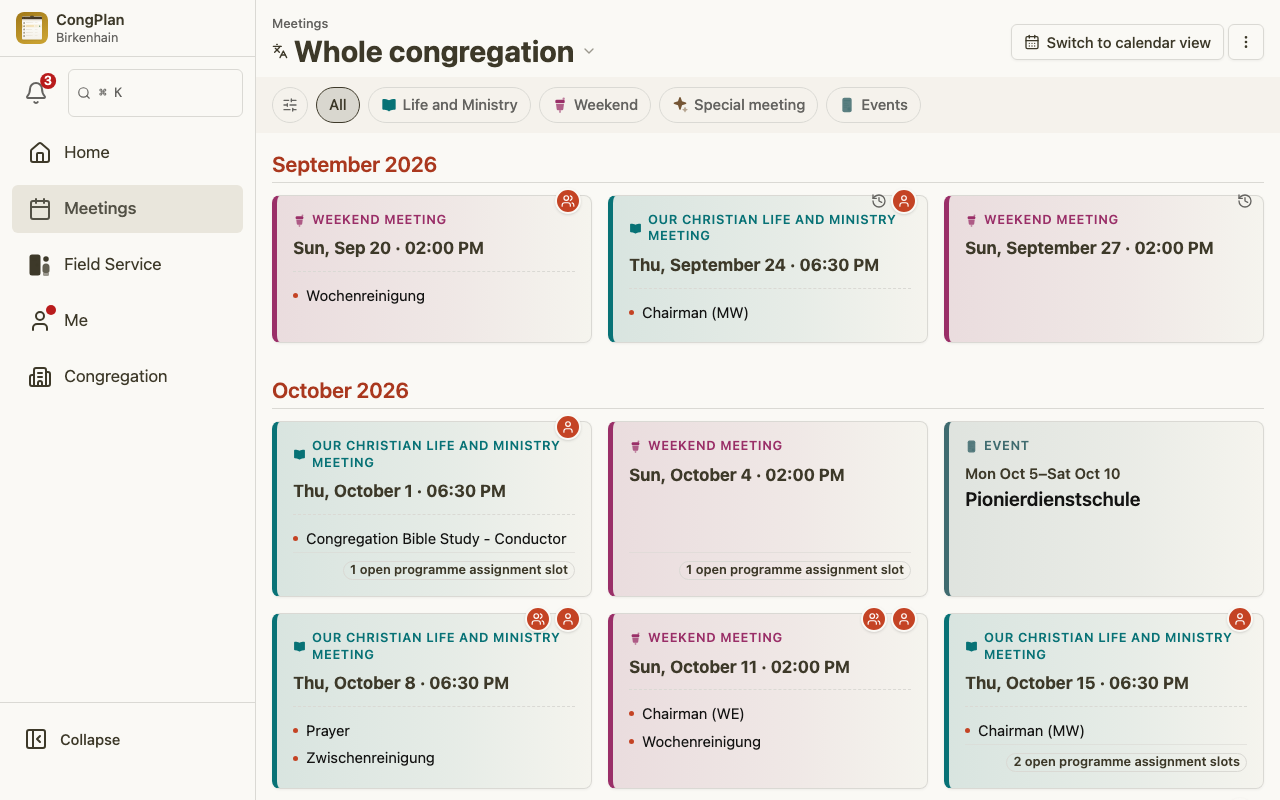
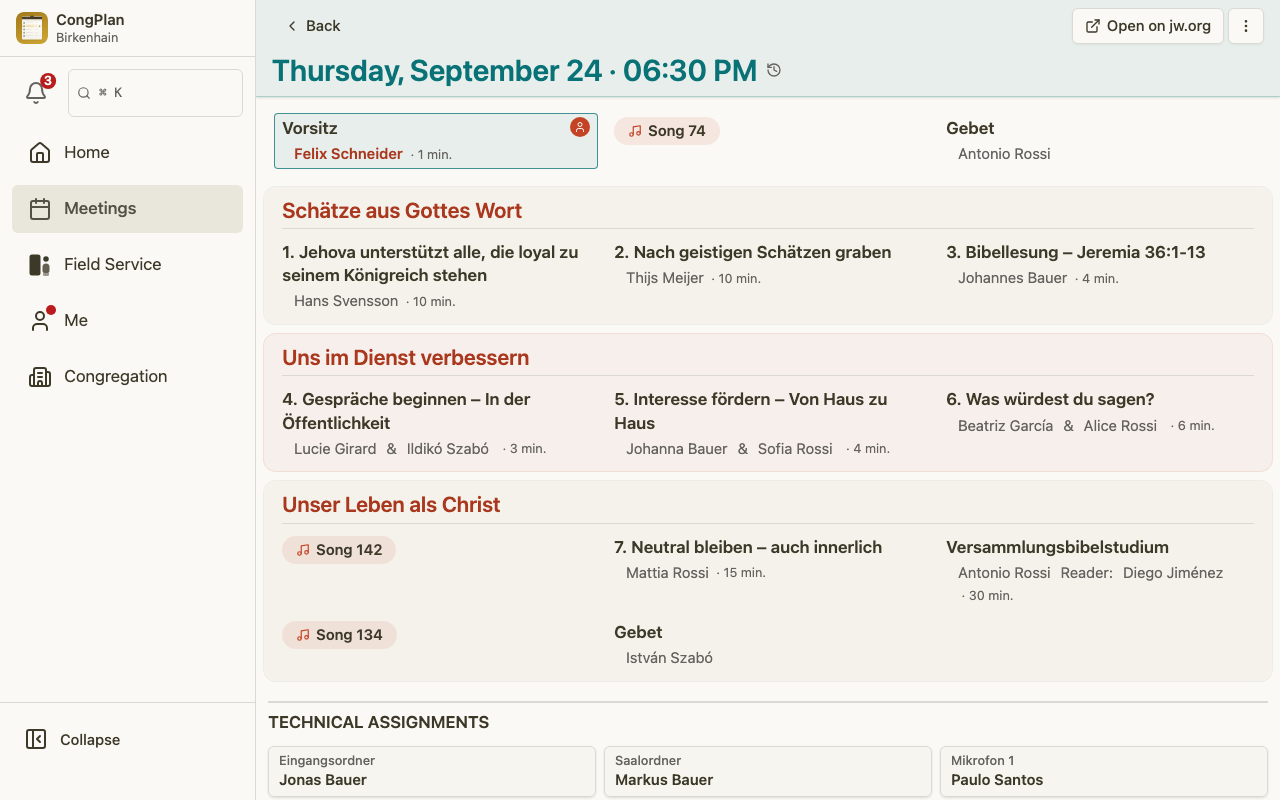
The meeting list is available to all three users, but edit controls and planning context depend on permissions. The meeting detail view uses the S-38 structure for the Life and Ministry Meeting.
Field Service
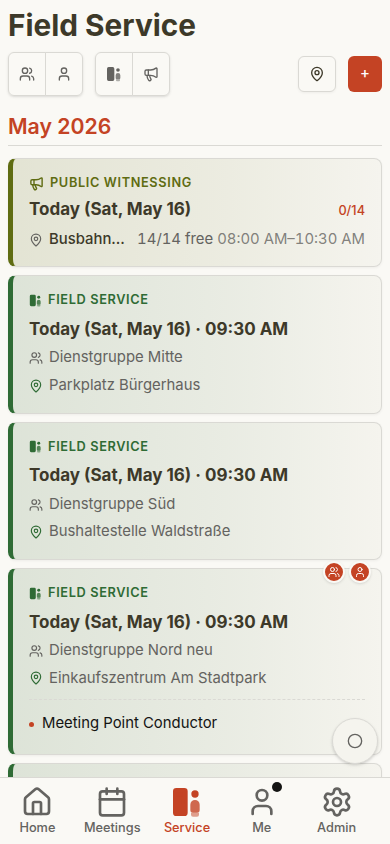
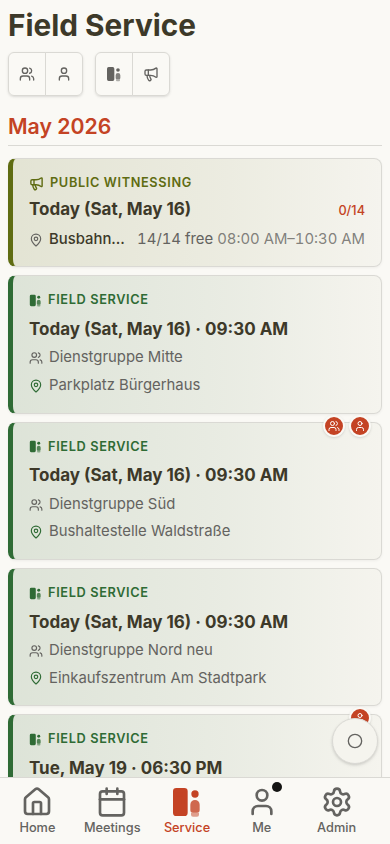
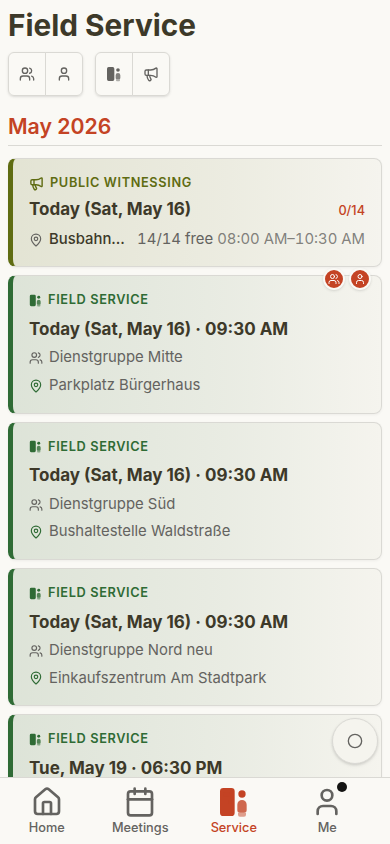
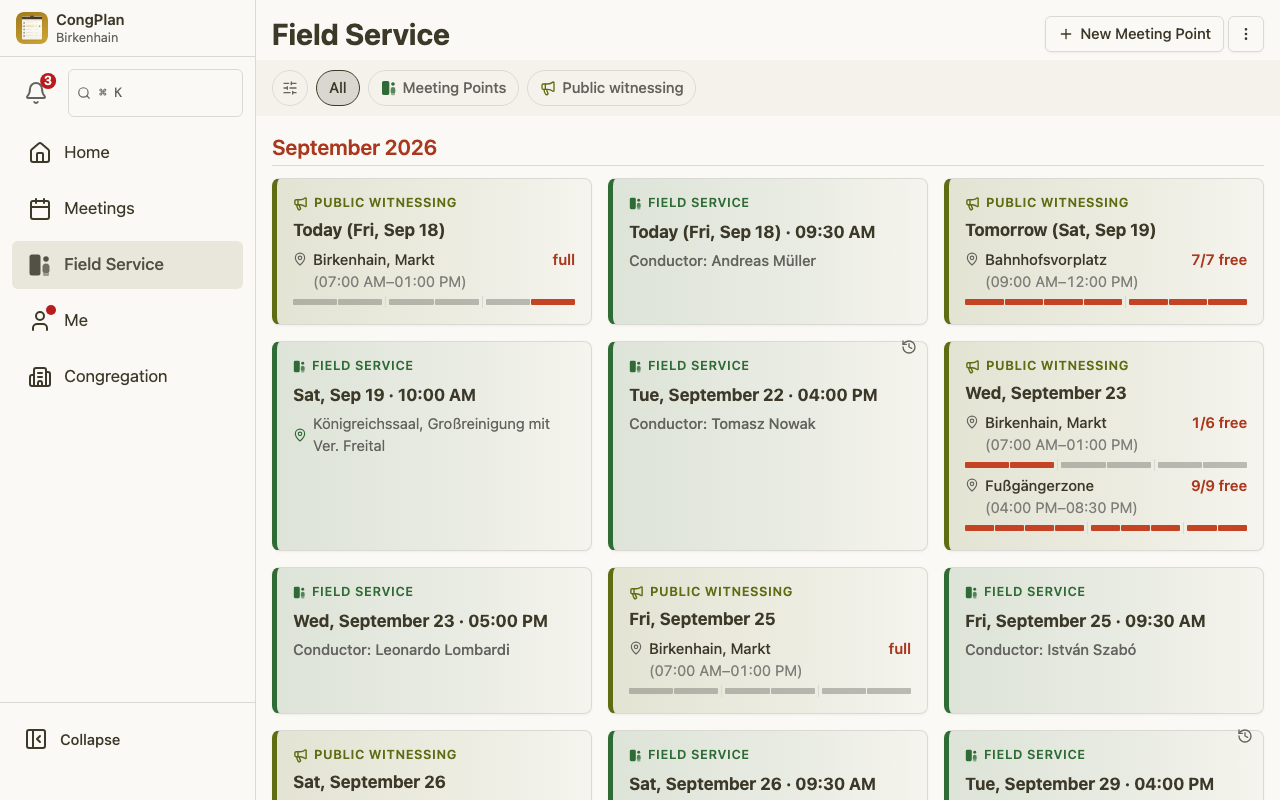
Field service meetings appear in the dedicated field-service area and in personal plans when relevant. Permission differences mainly affect creation and editing controls.
Administration and Public Witnessing
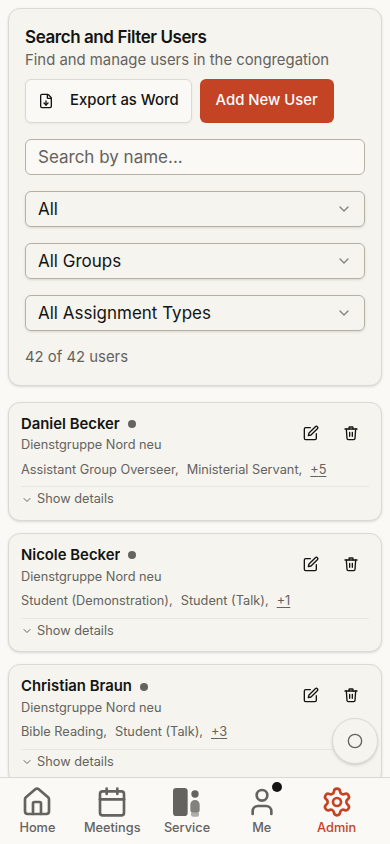
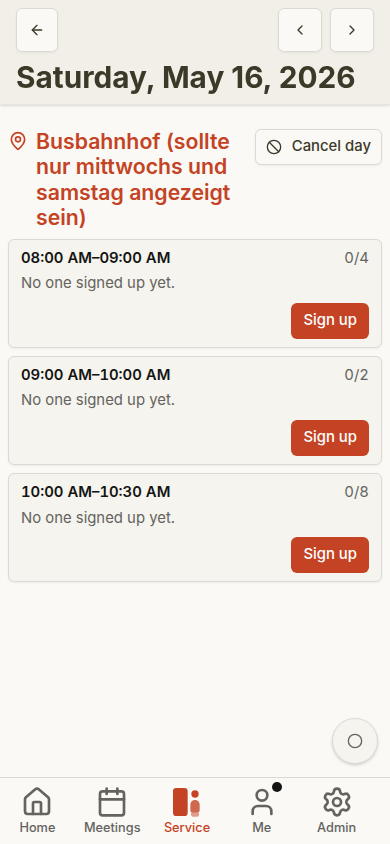
Only users with the matching permissions see administration and planning tools. These examples show the additional mobile screens available to the administrator.
Planning Roles on the Desktop
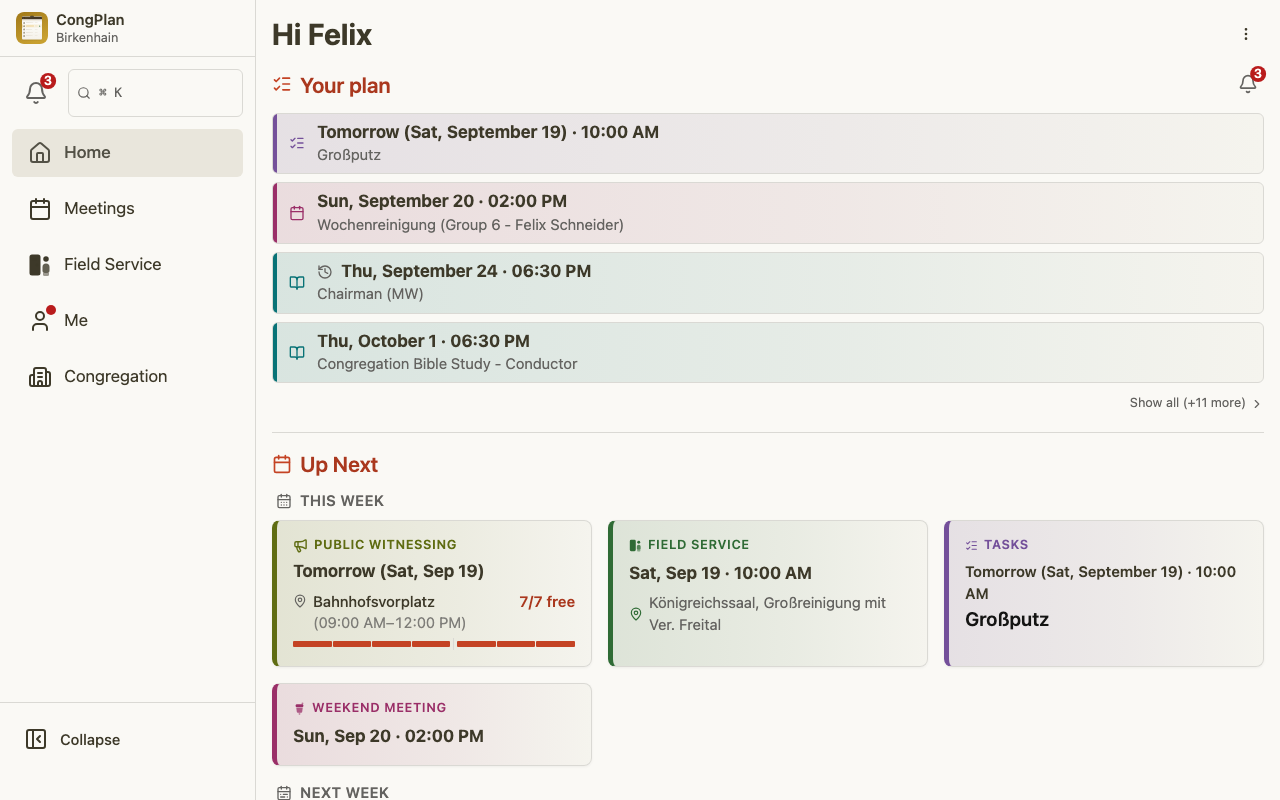
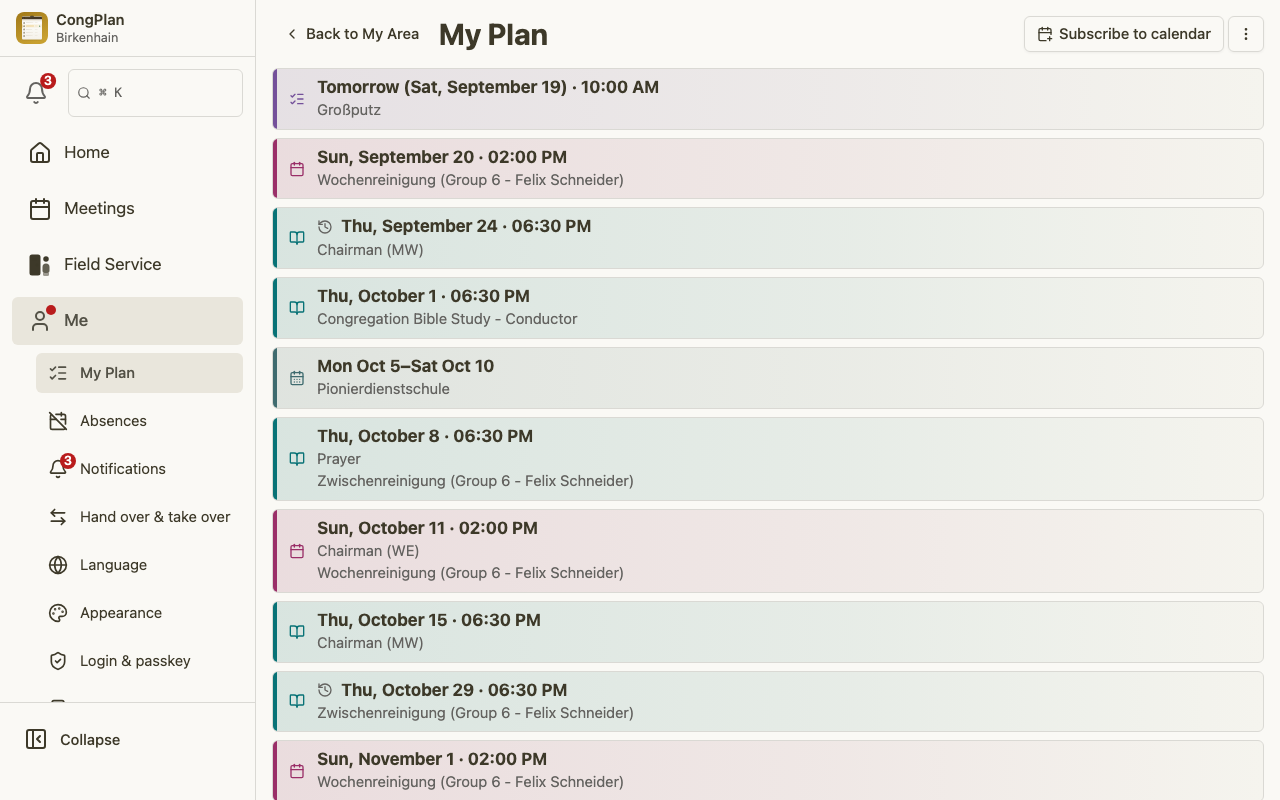
These screenshots show the same five areas at desktop size for two planning roles from the same demo congregation:
- Meeting planner — edits the midweek and weekend meetings, outgoing public talks, and other people's absences
- Service overseer — edits field service groups, field service meetings, and public witnessing
Meeting Planner
Service Overseer