Meetings
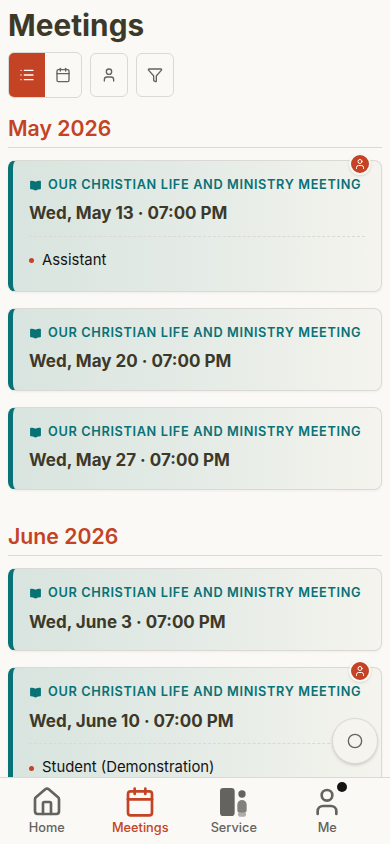
The Meetings page shows congregation meetings as a list of cards.
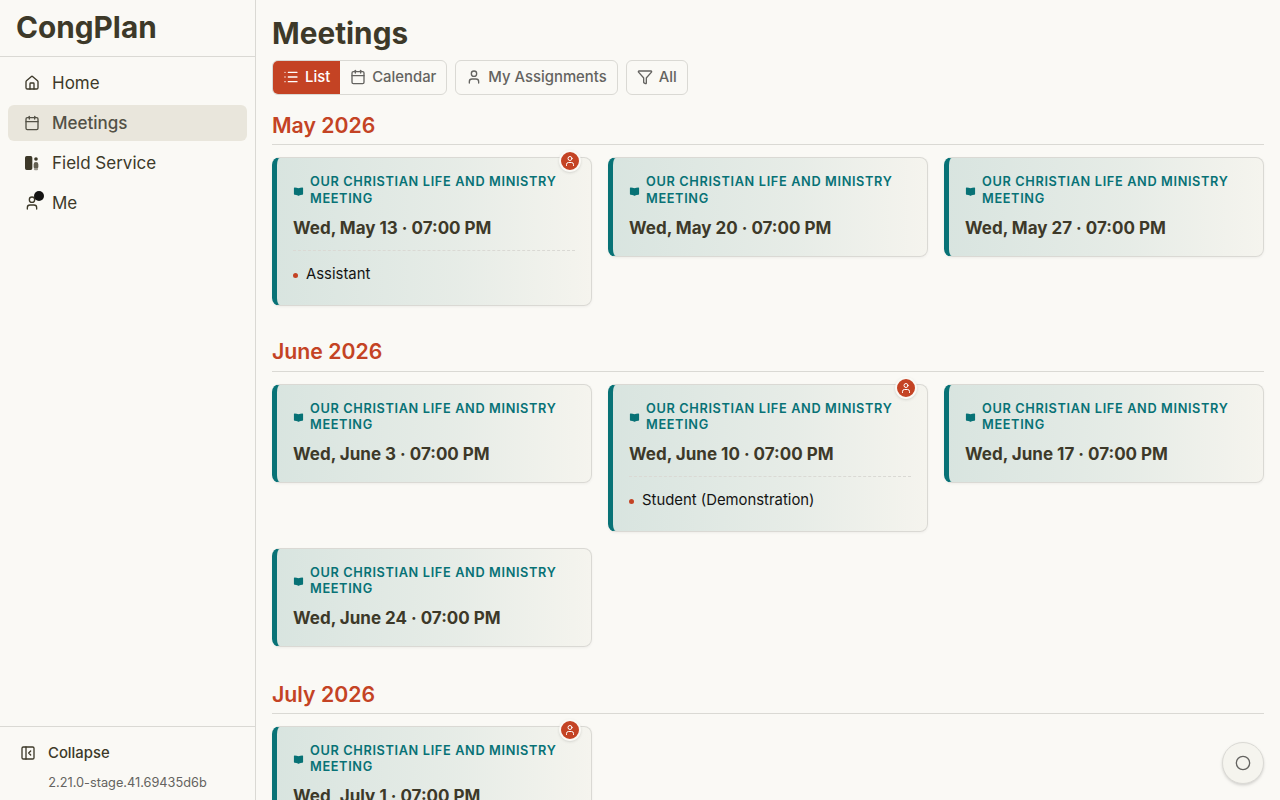
Views
Meeting cards are listed in chronological order. Filters let you focus on specific meeting types or your own assignments.
The month grid that used to be part of this page is now the Calendar, which shows meetings together with meeting points, public witnessing, events and tasks. Open calendar in the ⋮ menu opens it with the matching chip already selected.
When several planners update schedules, CongPlan keeps meeting data synchronized so viewers do not have to rely on manual reloads to notice current assignments, tasks, or public-facing changes.
Meeting Cards
Life and Ministry Meeting
The midweek meeting card shows date, time, link to source material where available, and your own assignments if you have any.
Weekend Meeting
The weekend meeting card shows the public talk and Watchtower Study context where available.
Field Service Meeting
Field service meetings show conductor, meeting point, and field service group. See Meeting Points for the full planning workspace.
Open a card to view details.
Own assignments and relevant service items can appear directly on cards, so publishers can see whether a meeting involves them before opening the detail view.
Meeting Types
Life and Ministry Meeting
The midweek meeting follows the S-38 structure:
- Treasures From God's Word
- Apply Yourself to the Field Ministry
- Living as Christians
Weekend Meeting
The weekend meeting contains:
- Public Talk
- Watchtower Study
To fill in the public talk, speaker, and other weekend assignments across many weekends at once, use the dedicated Public Talk Planning workspace.
Field Service Meeting
Short meeting before field service, usually connected to a field service group.
Midweek meeting content can be imported from the workbook/program source. Coordinators then assign participants and technical roles.
Planning Context
If your congregation plans for one or more foreign-language groups, meetings are always created inside the planning context you are currently working in — the whole congregation or a specific group. A group's meeting is created in the group's own language and only for the parts it actually holds. See Foreign-Language Groups for how contexts and the context switcher work.
Auxiliary Classes
Congregations that split the Life and Ministry Meeting across parallel rooms can set up auxiliary classes — for example a side room in addition to the main hall. A program part can be marked to hold in all classes: CongPlan duplicates the part and gives each class its own assignment slot automatically, instead of you creating and assigning each copy by hand.
Editing, Drafts, and Publishing
Meetings have two states — draft and published — with a clear rule: saving is not the same as publishing.
- Program assignments are edited inline and save immediately. The separate Edit Meeting form, used for the date, location, classes, and program structure, has explicit Save and Cancel buttons.
- A meeting that has not been published yet is a draft. A draft is visible only to editors — not to viewers, not to assigned participants, and not to the planned chairman. This is deliberate: assignments stay provisional until the plan is final, so nobody sees or is notified about a schedule that may still change.
- Editors always see the draft state clearly: an amber badge on the meeting and a small Publish button, plus a chip in the overview whose tooltip explains that the meeting is visible only to those who may edit it.
- Publish makes the meeting and its assignments live for everyone at once. Later inline assignment changes are live immediately; meeting-form changes take effect after Save.
- Unpublish (in the ⋮ menu) turns a published meeting back into a draft, hiding it from everyone except editors again.
For newly created congregations, draft mode is switched on by default, so new plans start hidden until you deliberately publish them.
Once a meeting is published, whoever leads it can open the Conducting a Meeting view for the live program, notes, and announcements.
Special Weeks
Some congregations need to adjust a week for a Circuit Overseer visit or another special schedule. See Circuit Overseer Visit for how CongPlan handles a circuit overseer visit.
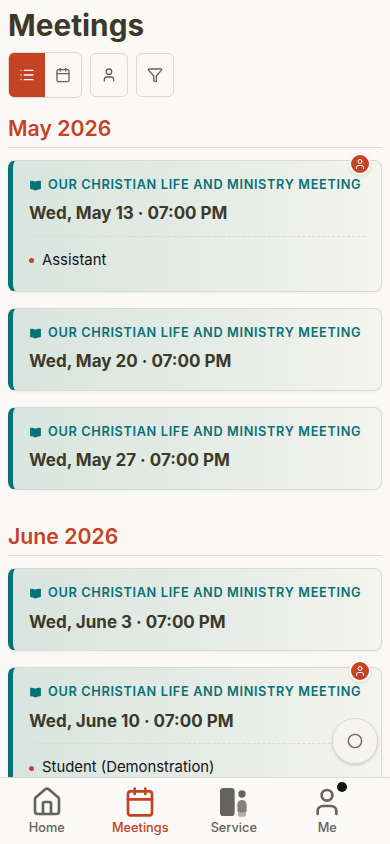
Mobile Views by Role
CongPlan keeps the meeting workflow familiar across users, while permissions control edit buttons and administration entry points.
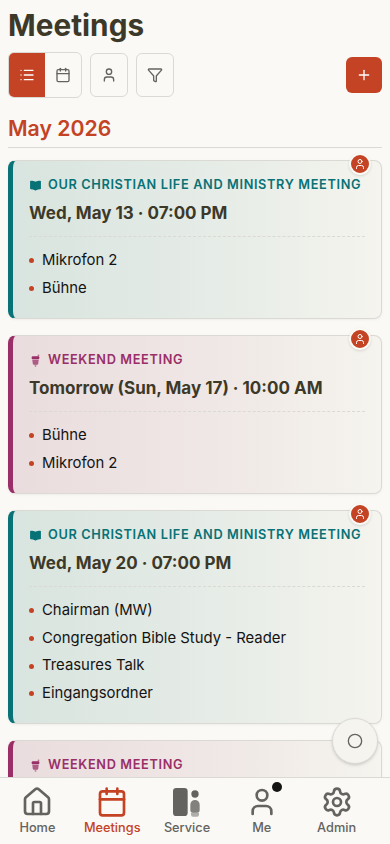
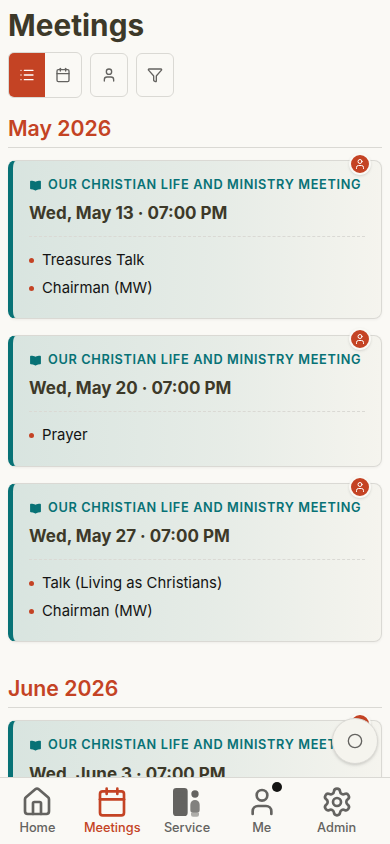
See Role-Based Gallery for the full comparison across dashboard, plan, meeting details, field service, public witnessing, and administration.