Installation
CongPlan runs in the browser and can be installed as a Progressive Web App (PWA).
Requirements
- A supported browser — see Supported Browsers
- Internet connection for loading data and making changes
A passkey-capable device or password manager is optional for normal planning. It is required when an administrator confirms a protected administrative task.
Accessing CongPlan
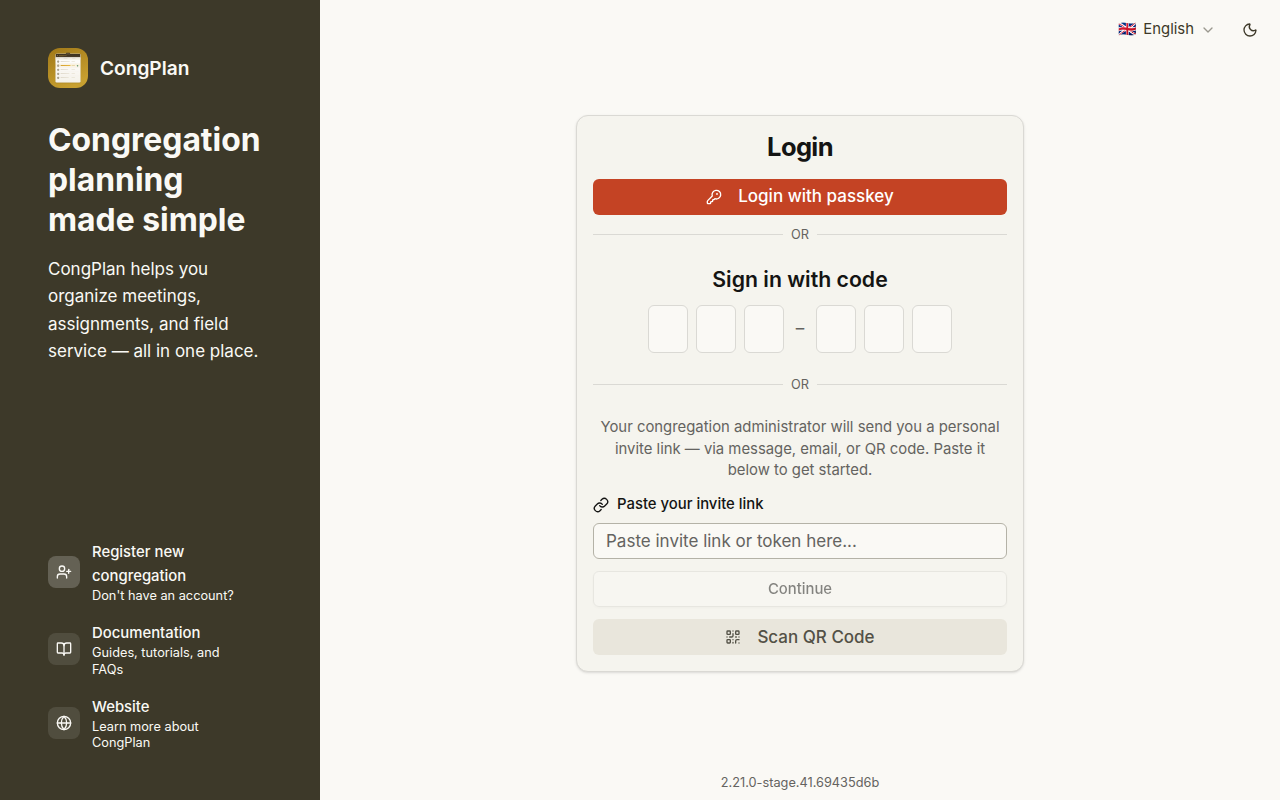
Open my.congplan.app (opens in new tab) and sign in with your passkey or personal invite/setup link.
Install as PWA
Installing CongPlan gives it its own app icon and a cleaner mobile experience. Push notifications are also more reliable when the app is installed.
iPhone or iPad
Use Safari:
- Open my.congplan.app (opens in new tab) in Safari
- Tap Share
- Select Add to Home Screen
- Confirm with Add
- Open CongPlan from the new home-screen icon
Android
Use a browser that offers web-app installation:
- Open my.congplan.app (opens in new tab)
- Open the browser menu
- Select the browser's Install app or Add to Home screen action
- Confirm the installation
If the current browser cannot install the app, CongPlan explains whether to open the page in another browser, use the browser menu, or update an old browser. Embedded browsers inside another app must first hand the link off to a regular browser.
Desktop
Supported Chromium browsers usually show an install icon in the address bar or browser menu. Other desktop browsers can still use CongPlan in a normal tab; the in-app help shows the route available in the browser you are using.
Recommended Mobile Flow
For a new mobile device:
- Install CongPlan as a PWA from the browser
- Open the installed app from the home screen
- Use your passkey, device setup link, QR code, or one-time code — or choose I don't have access yet and let an administrator approve the device (see Requesting Access)
If setup fails in the installed app, open the same setup link in the browser and try again. On iPhone or iPad, CongPlan can hand the flow to Safari when the current browser cannot complete installation or notification setup.
After setup, see Notifications & Reminders to enable push delivery and choose when CongPlan reminds you.
Offline Use
CongPlan may show data that was already loaded before the connection was lost. Creating or changing assignments, tasks, users, public-witnessing signups, or settings requires an internet connection.
Next Steps
Continue with First Steps.